Beginners who want to learn to draw from day one—no experience needed.
Learn to draw with us
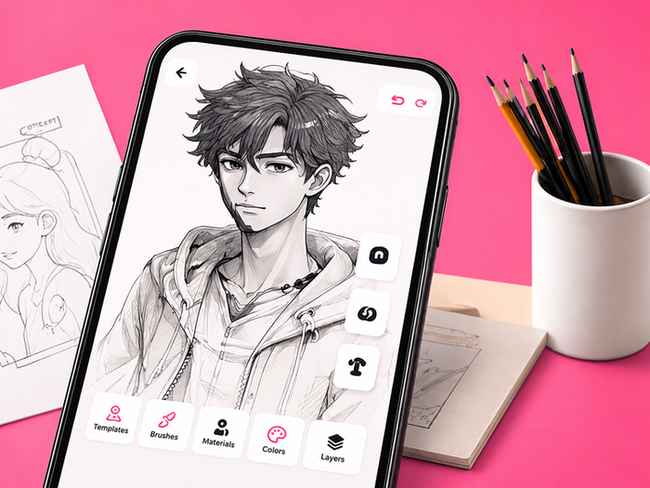
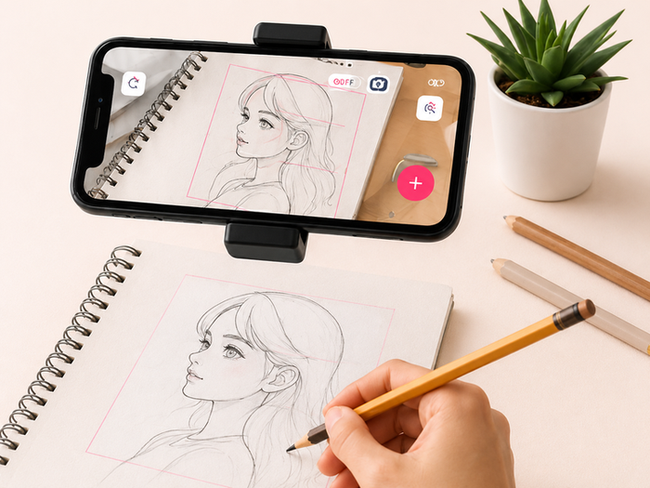
This is the AR Drawing App that lets you actually learn how to draw by projecting step-by-step guides right onto paper using your phone’s camera. It’s like having a personal art coach in your pocket. Just select a template, point your phone, and trace the projected picture. Our app isn’t just for tracing. We focus on real drawing lessons, built to grow your skills—from your first portrait to advanced color work.
Beginners who want to learn to draw from day one—no experience needed.
Artists looking to sharpen their skills and try new styles.

Anyone who loves to draw, create, and have fun doing it.
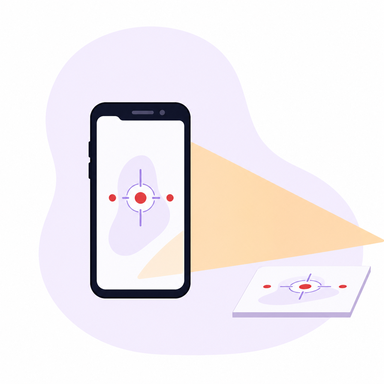
Use your phone’s camera to project a picture right onto any surface — paper, wall, or desk — and start drawing immediately.

Turn your ideas into templates instantly. Our AI helps you generate unique sketches to draw anything you want.

Follow easy tutorials that actually teach you how to draw. Learn new techniques with guided instructions at every stage.

Add any image from your gallery. Convert it into a sketch and draw it on paper using our augmented reality tools.

Anime, animals, cars, portraits, cute art for kids—our constantly growing library has something for every artist.

Save all your favorite templates in one place with “My Templates” and access them anytime.

Whether you're a total beginner or already confident in your drawing skills, the app is made to feel smooth and easy.

No fancy gear needed. Just use your phone and your imagination to start making real art.
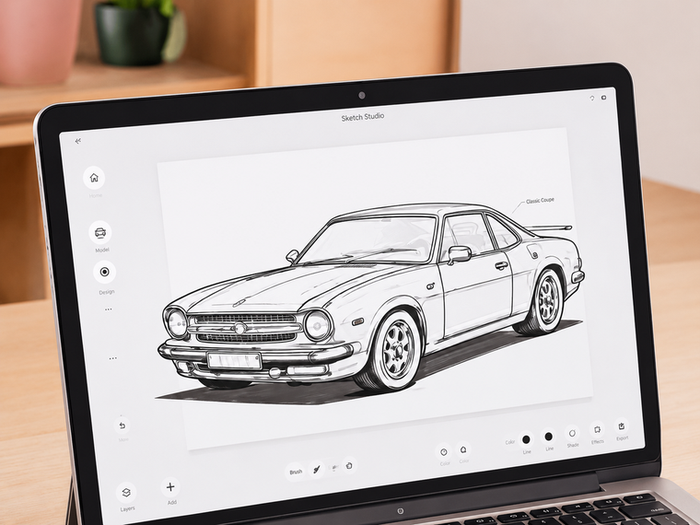
This is a simple and intuitive online drawing service that lets you sketch, create illustrations, and bring ideas to life directly in your browser. No downloads or installations required.
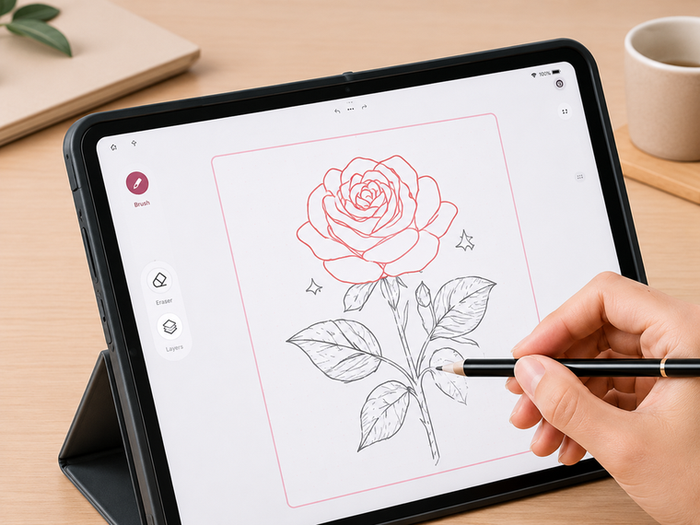
This is a free online service that lets you create drawings using augmented reality drawing in your browser. Simply open the app, position your device, and project reference images onto real-world surfaces to trace and draw with precision. No downloads or complex setup required.

I am in love with this app it has made my drawings look so much better than before

Very good. The interface is really simple and easy to use. I can now draw anywhere with ease

Helpful app for tracing and practicing sketches. The lessons are easy to follow.
ArtEasy is an innovative mobile app that helps you draw using your phone and augmented reality. It projects an image onto any surface so you can draw on the paper step by step.
You open the app, choose an image or lesson, then use your device’s camera to place a projected picture on paper. Trace it and follow the lines.
Yes. You can add your own photos and turn them into outlines. Want to sketch a portrait, pet, or even a landscape? Just upload and start drawing.
You can draw anything you want—anime, animals, cars, food, portraits, and more. The app also includes guided lessons that teach you how to shade, line, and color your art.
Absolutely. After you finish, you can save, export, and share your creations with friends or post them online.
Nope. Just a pencil, a sheet of paper, and your phone. The app works with a regular smartphone camera and any flat surface.
Yes. Whether you're new to art or an experienced creator, the app gives you flexible tools to work at your own pace.
Yes, the app works on any surface. But if you want to color after, we recommend sticking with paper.
Turn your phone into a real-time sketch guide. Just point, trace, and create. Start now, no art skills needed. Draw anything you want.